Curriculum
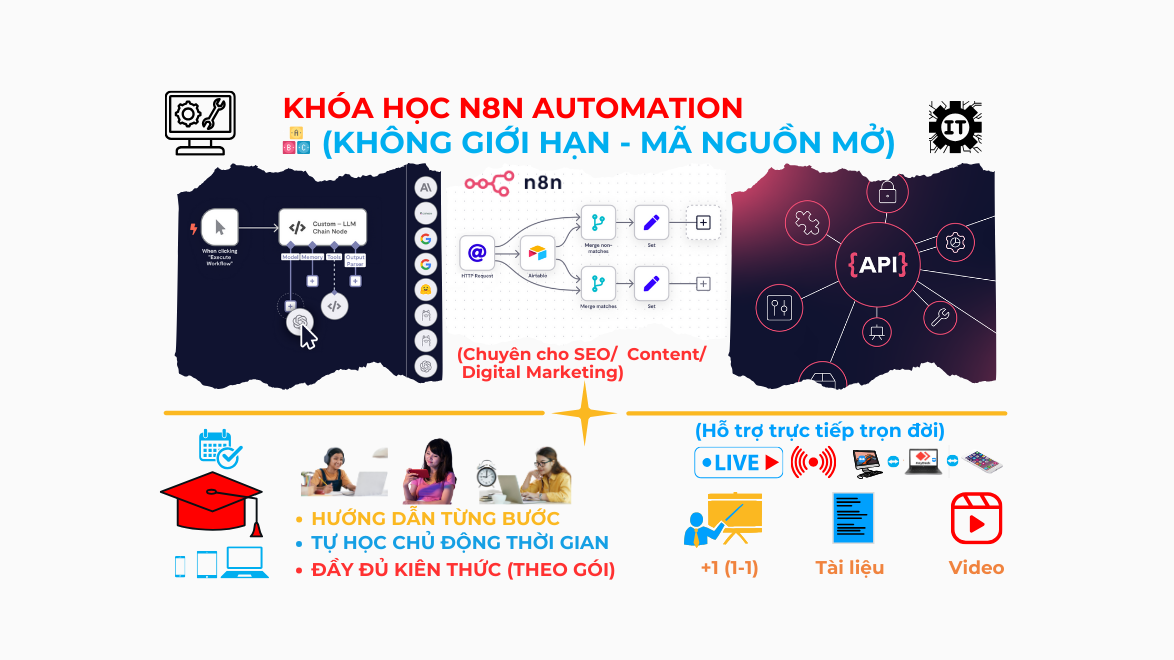
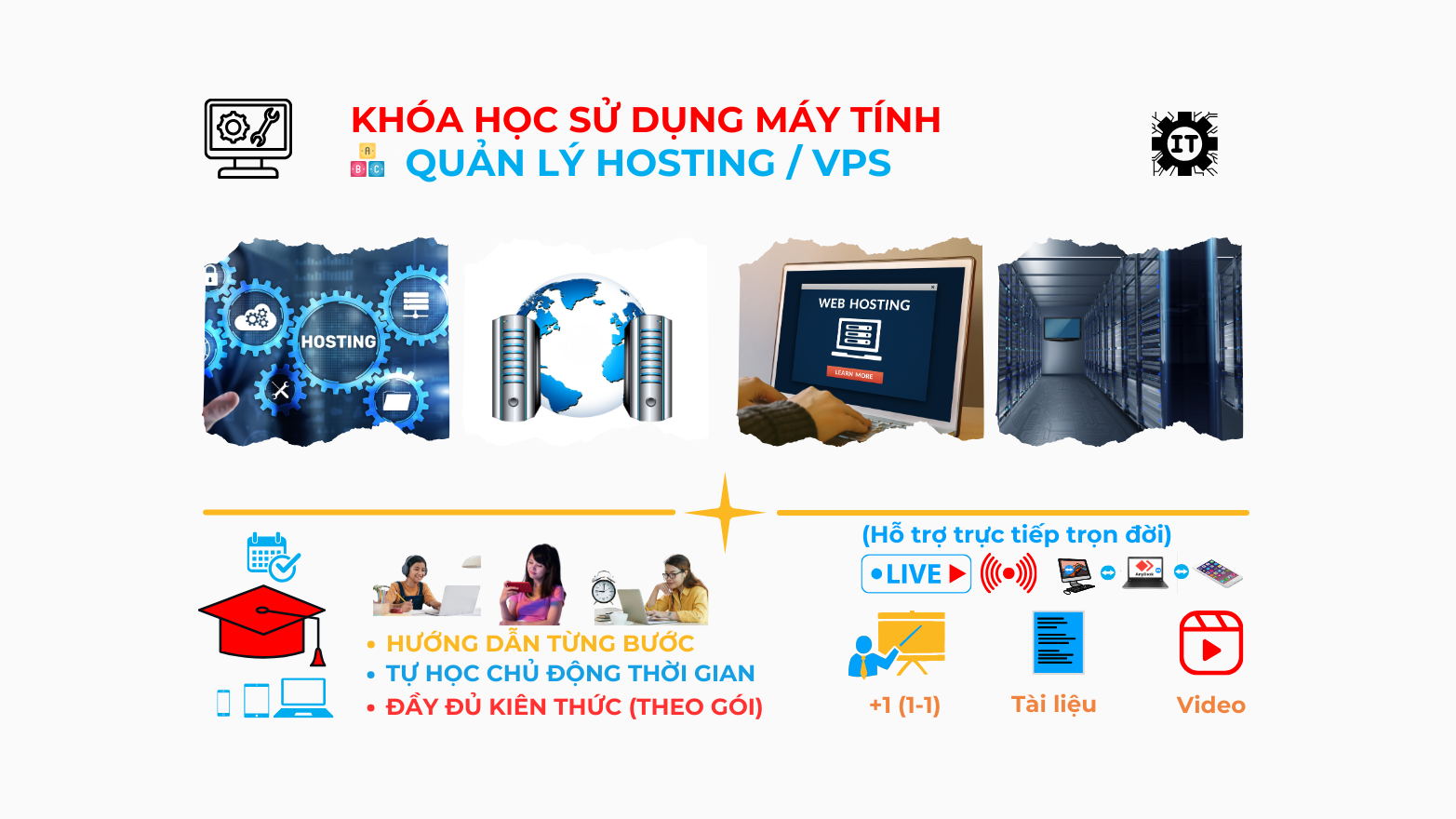
Hosting/ VPS/ Physical server management course from basic to advanced: 41 Lessons, 7 sections, Total Duration: 177 minutes.
= Free Preview = Requires Enrollment
-
4 minutes
-
5 minutes
-
5 minutes
-
-
0.11 Instructions for downloading the price template spreadsheet file to your computer2 minutes
-
1.1 Basic Hosting Management Guide: Domain, FTP, Backup25 minutes
-
1.2 Guide to choosing a suitable hosting package, good hosting providers3 minutes
-
3 minutes
-
2.1.1 Information about VPS running Windows Server and popular applications3 minutes
-
2.1.2 Information about VPS running Linux server and popular applications2 minutes
-
2.3.1 Guide to choosing a free VPS control panel3 minutes
-
2.3.2 Guide to choosing a paid VPS control panel2 minutes
-
2.4.1.1 Some popular web servers today – Apache Web server2 minutes
-
2.4.1.2 Some popular web servers today – NGINX Web server2 minutes
-
2.4.1.3 Some popular web servers today – OpenLiteSpeed Web Server2 minutes
-
2.4.2.1 How to connect to the webserver from Windows5 minutes
-
2.4.2.2 Setting up a Linux VPS test environment before purchasing a VPS running Linux3 minutes
-
2.4.2.3 Get familiar with the command line on Linux before buying a VPS running Linux3 minutes
-
2.4.2.4 How to connect to a VPS from a Linux computer using the Terminal command line3 minutes
-
2.4.1.0 What to prepare when managing a VPS and why choose AAPanel to manage a VPS6 minutes
-
2.5.0 Guide to installing aaPanel to manage VPS for free4 minutes
-
2.5.1 Guide through the menu items of aaPanel5 minutes
-
2.5.2 Guide to adding and managing domain names (domain) on AAPanel6 minutes
-
2.5.3 Guide to adding and managing databases (Database) on AAPanel3 minutes
-
2.5.4 Guide to adding and managing cronjobs and backing up data on AAPanel4 minutes
-
2.5.5 Guide to restoring website data on AAPanel3 minutes
-
2.5.6 Instructions for downloading website data backup files on AAPanel to your computer4 minutes
-
Information about CloudPanel – Free and high-performance server management solution
-
Guide on how to install and manage servers with CloudPanel8 minutes
-
3.1 Switching VPS providers – the fastest way to transfer data between 2 VPS14 minutes
-
3.2.1 Backup guide with Rclone – Initial configuration and Google Drive sync (Part 1)13 minutes
-
3.2.2 Backup guide with Rclone – SFTP sync with VPS (Part 2)5 minutes
-
3.3 Ways to manually backup a VPS if your chosen panel does not have a Backup feature
-
3.4 Share backup script manually or using Rclone
-
4.1 Hardware selection guide for high-spec, low-cost physical servers running webservers4 minutes
-
4.2 Selecting an operating system for the ARM Orangepi server device2 minutes
-
4.3 Guide to updating security packages on Ubuntu before installing Hestiacp2 minutes
-
4.4 How to customize the command line before installing HestiaCP1 minutes
-
4.5 Guide to installing Docker and Portainer CE to manage Docker2 minutes
-
4.6 Guide to automatically updating DNS for domain names when the network IP changes using DDNS-GO (Method 1)12 minutes
-
4.7 Guide to creating an automatic DDNS update script with Cloudflare (method 2)2 minutes
Hosting/ VPS/ Physical server management course from basic to advanced
Perfex CRM is a powerful and flexible open-source CRM system that helps businesses manage customers, invoices, contracts, customer support, and many other features in a single interface. This course will guide you step-by-step from purchasing and installation to deep customization and exploiting the full power of Perfex CRM, especially suitable for small to medium enterprises, freelancers, service companies, and organizations digitizing their management processes.
✅ What will you get after the course?
- Understand and master Perfex CRM.
- Confidently deploy CRM systems for businesses or individual clients.
- Know how to configure advanced features such as real-time notifications, OpenAI, Google API...
- Ability to easily customize, develop, and upgrade the system.
- Practice materials, checklists, and accompanying template files.
- Data backup and recovery.
- Domain name migration to another domain.
- Run Perfex CRM on another server.
- Automatically redirect to a backup server when an error occurs.
👩💻 Who is it suitable for?
- Small and medium enterprises needing a customer management tool.
- Freelancers deploying CRM systems for clients.
- IT technicians and programmers wanting to learn how to integrate Perfex CRM.
- Business owners digitizing their customer care processes.
If you want us to support full setup from A-Z or operational support, please contact Hotline/Zalo: 0934552325
Course Information
- Lessons 41
- Duration 177 minutes
- Level Beginner
- Language vi
- Students 3
- Certificate Yes
Instructor

Trần Xuân Lộc
FounderSale OTA, Marketing, Webiste/ App Dev, Brand
Related Courses
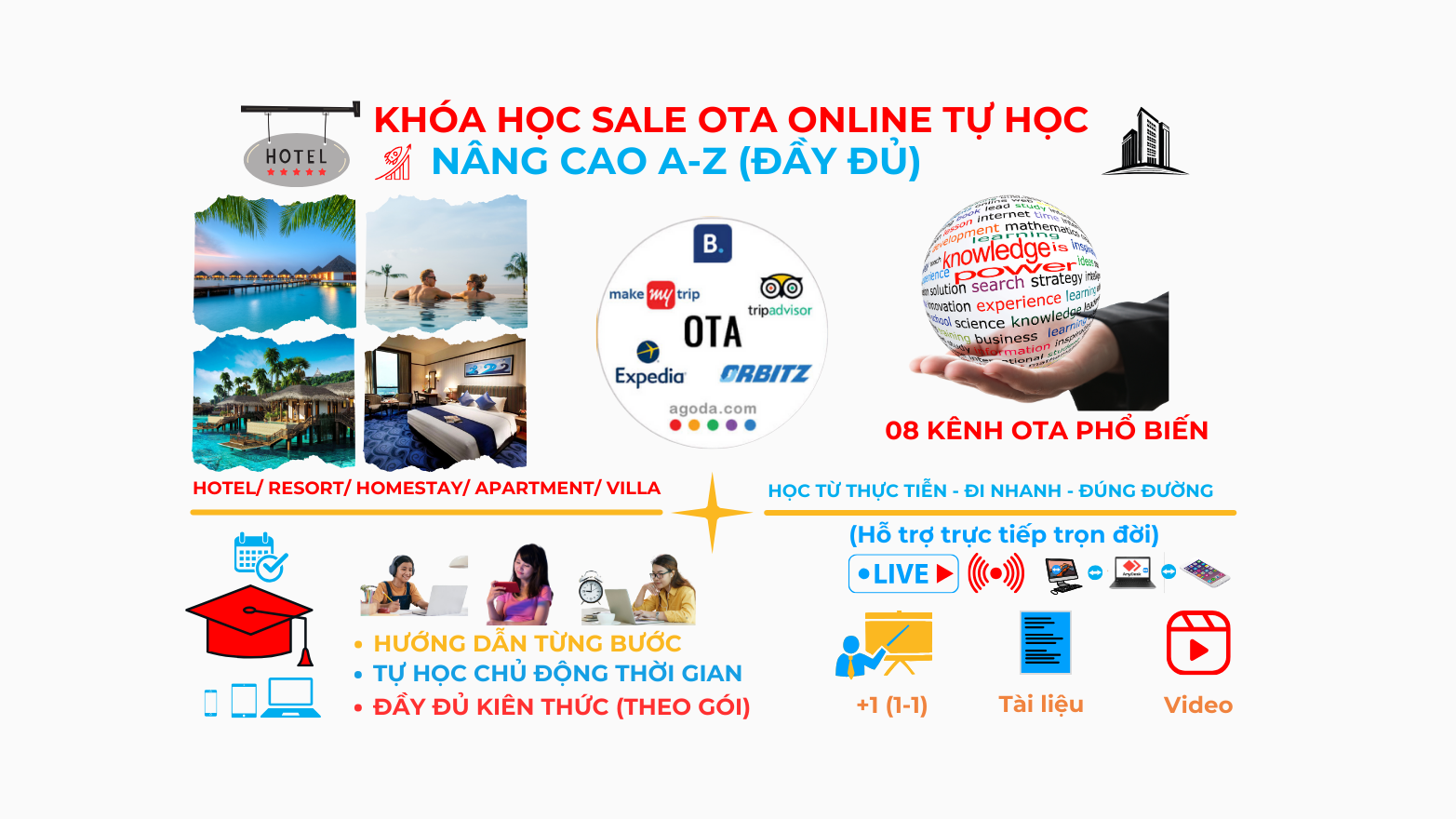
Self-study Online OTA Sales Course (Full A-Z Knowledge) – Room Sales

Basic Online Self-Study OTA Sales Course – Room Selling

Optimized Self-Study Online OTA Sales Course – Room Selling